Composer Multi-file Editing Guide
Composer is IfAI's powerful AI-driven multi-file editing engine. Make complex changes across your codebase with intelligent parallel editing and fine-grained control.
What is Composer?
Composer allows you to describe high-level changes and let AI handle the implementation across multiple files simultaneously.
Core Capabilities
| Feature | Description |
|---|---|
| Parallel Editing | Modify multiple files simultaneously |
| Diff Preview | View changes before applying |
| Selective Apply | Accept or reject individual changes |
| Conflict Detection | Intelligently handle overlapping edits |
| One-click Rollback | Undo all applied changes |
Ideal Use Cases
- Refactoring: Rename functions across files, extract components
- Feature Implementation: Add new features spanning multiple modules
- Bug Fixes: Fix issues affecting multiple files
- Code Style Updates: Apply formatting or pattern changes globally
- Migrations: Update API calls, upgrade dependencies
Opening Composer
Keyboard Shortcut
Press Cmd+Shift+K (Mac) or Ctrl+Shift+K (Windows/Linux)
From AI Chat
When AI suggests multi-file changes, click "Open in Composer"
Command Palette
Cmd+Shift+P > "Composer: Open"
Composer Interface
Visual Overview
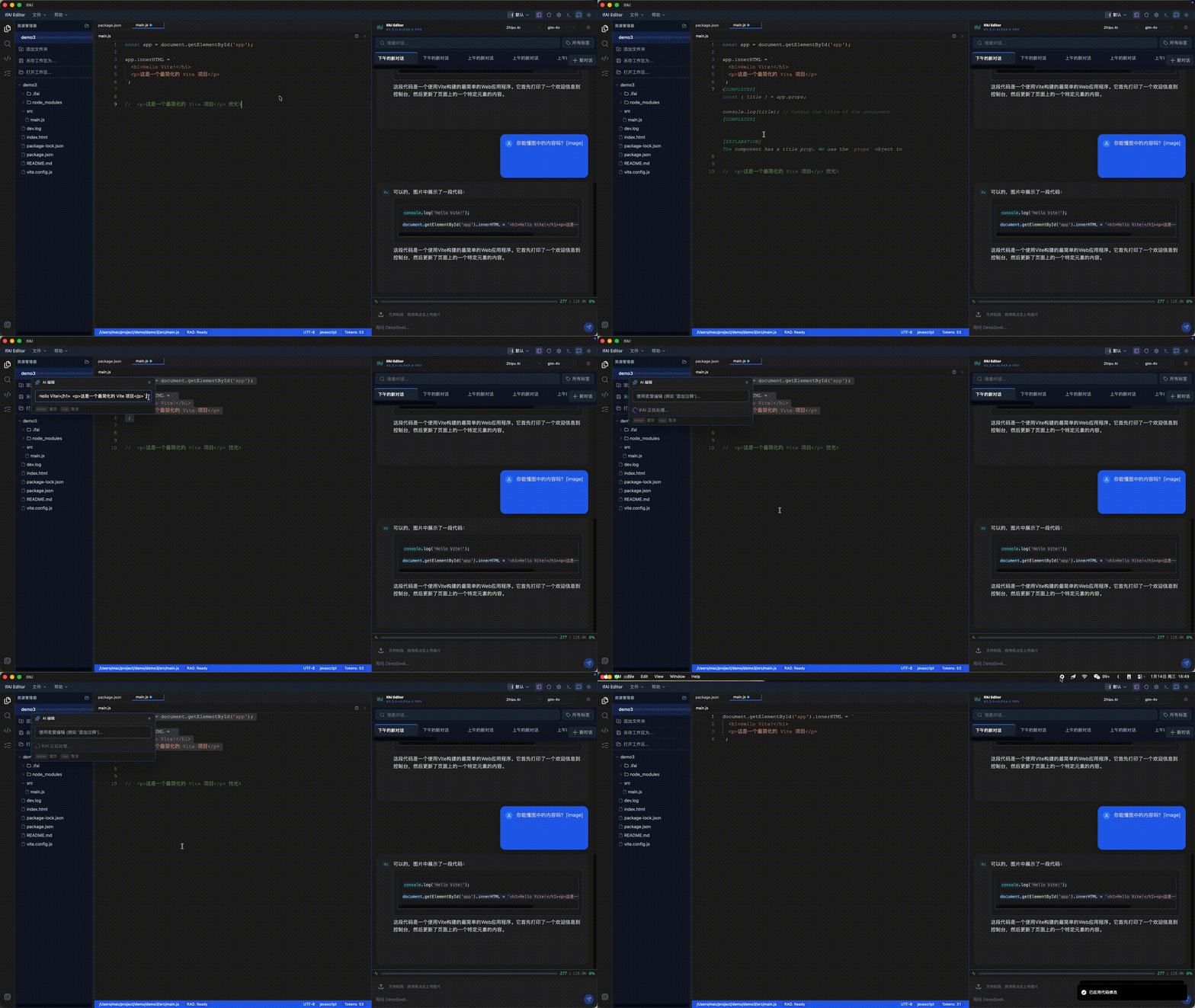
Layout Diagram
┌─────────────────────────────────────────────────────────────────┐
│  Composer                                              [Apply] [×]│
├──────────────┬──────────────────────────────────────────────────┤
│              │                                                  │
│  File List   │              Diff View                          │
│  ┌────────┐  │  ┌─────────────────────────────────────────┐   │
│  │ ✅ auth.ts│  │  │  src/auth/login.ts                     │   │
│  │ ✅ api.ts│  │  │                                         │   │
│  │ ✅ types │  │  │  - function login(user) {              │   │
│  │ ⬜ utils│  │  │  + async function login(user) {         │   │
│  │          │  │  │      const token = await authenticate│   │
│  │          │  │  │  +    return { token, user }          │   │
│  └────────┘  │  │  }                                       │   │
│              │  │                                         │   │
│  [Expand All] │  └─────────────────────────────────────────┘   │
│              │                                                  │
│  Description: "Add async/await to login and return token"      │
└──────────────┴──────────────────────────────────────────────────┘Interface Elements
- File List: Shows all files with suggested changes
- Checkboxes: Toggle changes to apply
- Diff View: Side-by-side comparison of changes
- Apply Button: Apply all selected changes
- Description: Summary of changes made
Workflow
Step 1: Describe Changes
In Composer input, describe what you want to accomplish:
Add error handling to all API calls in the service layerOr more specific:
Refactor authentication system:
1. Add JWT token refresh logic
2. Update all API calls to include auth headers
3. Add logout functionality
4. Update types for new auth stateStep 2: Review Proposal
AI analyzes your codebase and proposes changes:
- File Analysis: Scans affected files
- Change Detection: Identifies specific modifications
- Diff Generation: Creates before/after comparison
- Validation: Checks for syntax and logic errors
Step 3: Accept/Reject Changes
Review each file independently:
| Action | Shortcut | Description |
|---|---|---|
| Toggle Change | Space | Enable/disable specific file |
| View Diff | Enter | View detailed changes |
| Accept All | Cmd+A | Select all files |
| Reject All | Cmd+D | Deselect all files |
| Apply Selected | Cmd+Enter | Apply selected changes |
Step 4: Apply to Project
Click Apply to write changes to files:
- Files are updated atomically
- Git tracks changes
- Can undo with
Cmd+Z
Features
Parallel Editing
Composer processes multiple files simultaneously:
Your request: "Rename getUser to fetchUser in all services"

AI Processing:
├── Analyzing src/services/user.service.ts
├── Analyzing src/services/auth.service.ts
├── Analyzing src/services/admin.service.ts
└── Updating all 3 files in parallel...Diff Preview
See exactly what will change:
src/services/user.service.ts
━━━━━━━━━━━━━━━━━━━━━━━━━━━━━━━━━━━━━━━━━━
- function getUser(id: string) {
+ async function fetchUser(id: string) {
    return await api.get(`/users/${id}`);
}Selective Apply
Choose which changes to apply:
☑️ user.service.ts    - 3 changes
☑️ auth.service.ts    - 2 changes
☐ admin.service.ts   - 1 change  ← Uncheck to exclude
☐ types.ts - 1 change ← Uncheck to excludeUndo Support
Roll back applied changes:
- Immediate Undo: Press
Cmd+Zafter applying - Git Revert: Revert commit if already committed
- Restore Backup: Composer creates backup before applying
Version Control
Always commit your work before running large Composer changes.
Best Practices
1. Start Small
Begin with focused, well-scoped changes:
✅ Good: "Add error logging to API client"
❌ Bad: "Improve the entire application"2. Be Specific
Provide clear, detailed requirements:
✅ Good: "Add TypeScript types to user service"
❌ Bad: "Fix user service"3. Review Carefully
Always review diffs before applying:
- Check for unintended changes
- Verify logic correctness
- Ensure no syntax errors
4. Use Version Control
Commit before major Composer operations:
git commit -am "Before Composer refactor"
# Run Composer
git diff  # Review changes
git commit -am "After Composer refactor"5. Test After Applying
Run tests to verify changes work:
npm test
# or
pytest
# or
cargo testTips and Tricks
Context Hints
Help AI better understand your project:
Add Redux to the React app for state management.
Current state is handled with useState hooks.File Scope
Limit changes to specific files:
Only update utils/auth.ts file to use new APIPattern Matching
Request consistent patterns:
Apply this logging pattern to all service methods:
- Add console.log at method start
- Use try/catch to log errorsBatch Operations
Group related changes:
For all API service files:
1. Add retry logic
2. Add timeout configuration
3. Add error type definitionsAdvanced Usage
Multi-stage Refactoring
Break complex changes into stages:
Stage 1: "Extract authentication logic to auth.service.ts"
Stage 2: "Update all consumers to use new auth service"
Stage 3: "Remove old authentication code from components"Custom Patterns
Specify code patterns to follow:
Apply this pattern to all async functions:
- Use try/catch for error handling
- Return { data, error } object
- Log errors before throwingConditional Changes
Make changes based on conditions:
Convert callbacks to async/await if file uses callbacks
Add error handling if file uses PromisesTroubleshooting
"No Changes Proposed"
Causes:
- Request too vague
- Files don't match pattern
- AI doesn't understand context
Solutions:
- Be more specific in description
- Manually select files to include
- Provide examples of desired changes
"Conflicting Changes Detected"
Causes:
- Multiple edits to same line
- Overlapping file modifications
Solutions:
- Review conflicts in diff view
- Uncheck conflicting files
- Apply changes in stages
"Syntax Errors After Applying"
Solutions:
- Undo with
Cmd+Z - Check errors in diff view
- Fix syntax and reapply
- Report issue if previous syntax was correct
Examples
Example 1: Add Error Handling
Add try/catch blocks to all async functions in src/services/Result:
- All async functions wrapped in try/catch
- Errors logged to console
- Error objects returned
Example 2: Rename Exports
Rename default export from 'App' to 'MainApplication' in App.tsx
and update all importsResult:
- App.tsx exports MainApplication
- All import statements updated
- Type annotations updated
Example 3: Add Logging
Add console.log statements at start and end of each function
in utils directoryResult:
- Function entry logs name
- Function exit logs result
- Consistent format across all files
Next Steps
- Code Refactoring Guide - AI-driven refactoring
- AI Chat Guide - Single-file AI assistance
- Basic Usage - Core editor workflows